
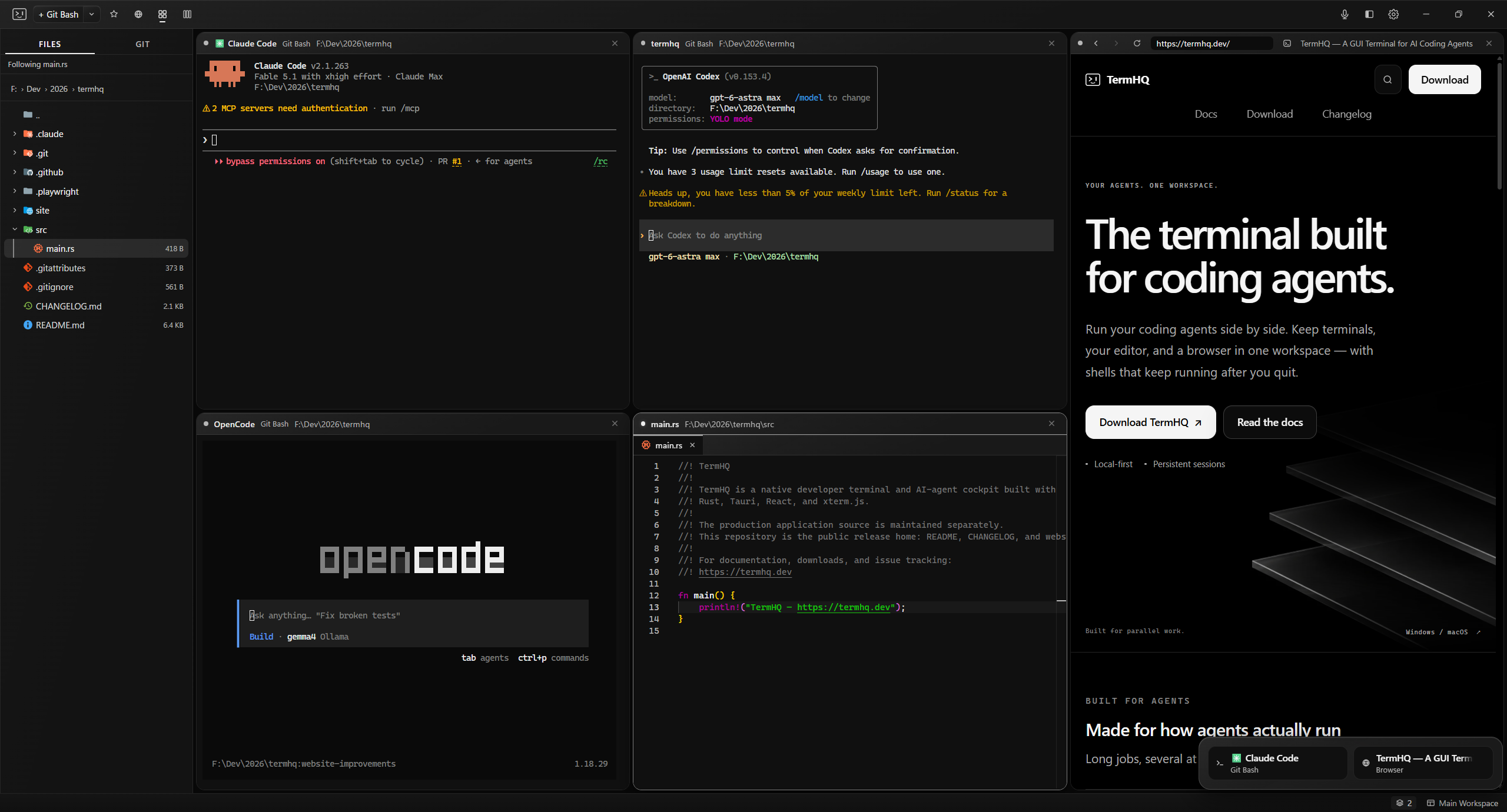
Keep every task in view.
Launch your installed coding agents in separate panes. Arrange them around the work, and notice when an agent goes quiet and needs your attention.
Running coding agentsRun your coding agents side by side. Keep terminals, your editor, and a browser in one workspace — with shells that keep running after you quit.
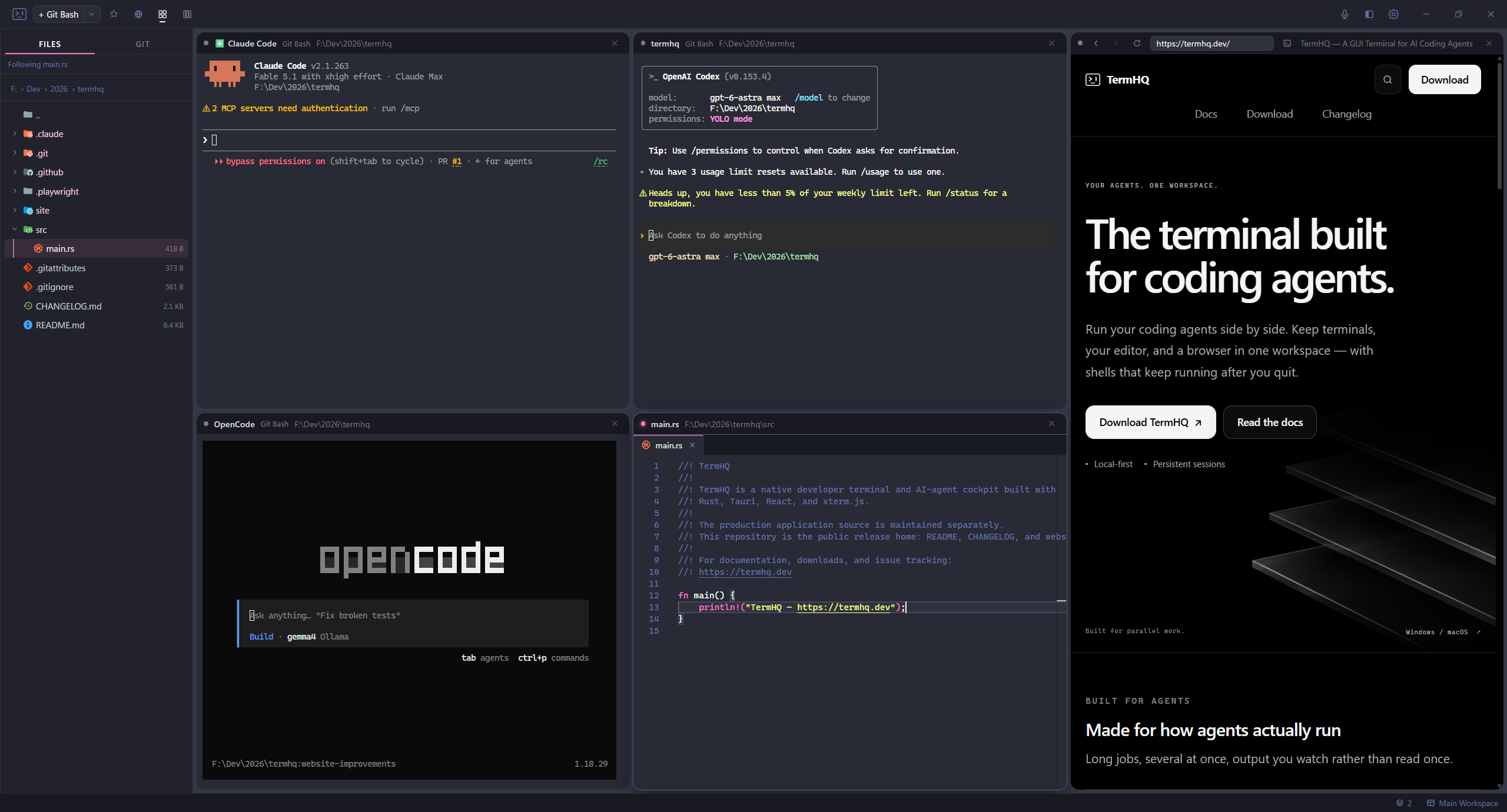
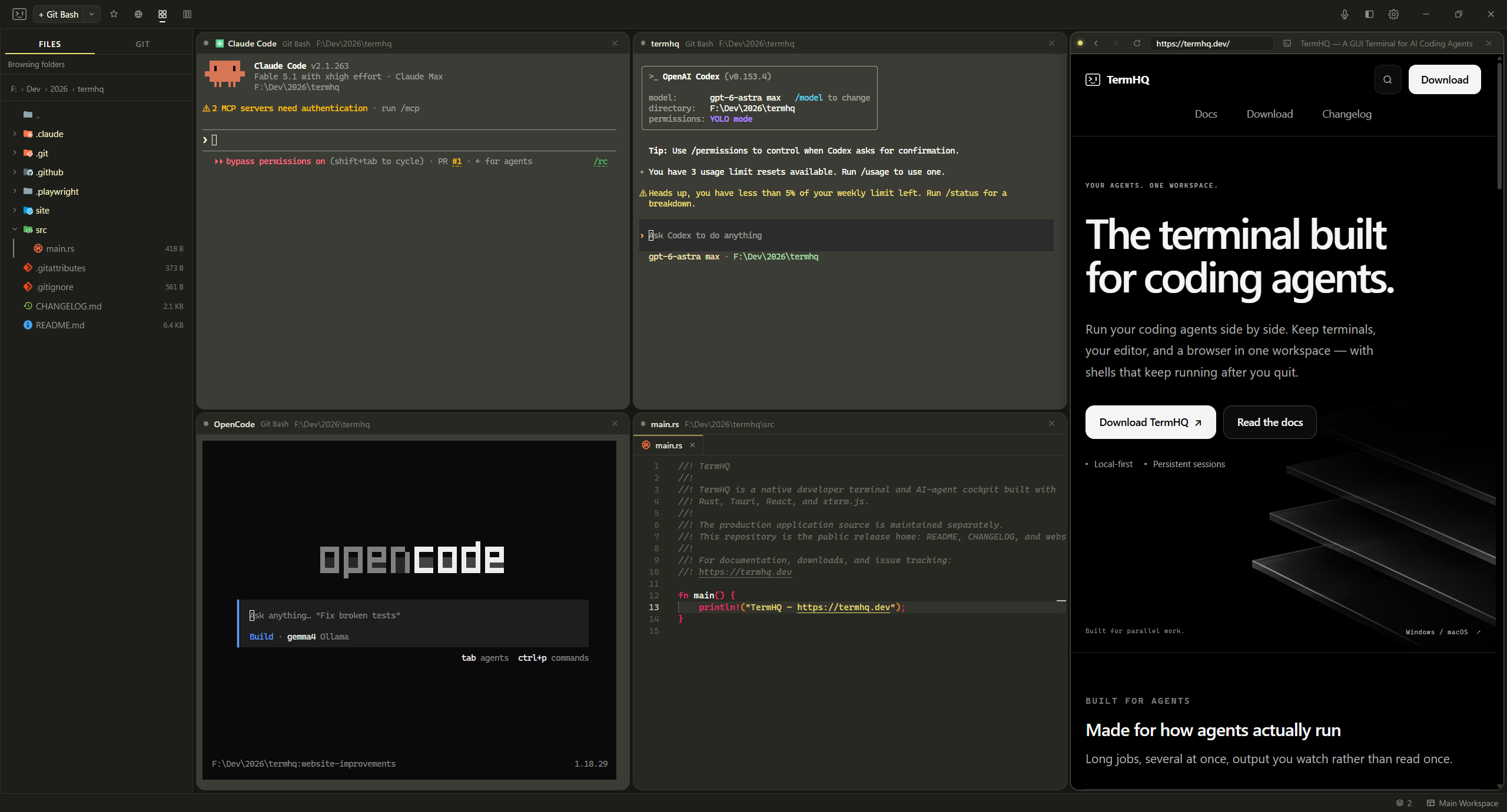
Coding agents, an editor, and a live browser — together in one workspace.
Captured on Windows. Default is TermHQ’s own theme; Dracula and Monokai are examples of VS Code themes from the integrated marketplace. Explore theming
Three ways to keep your work moving, without switching context.
Launch your installed coding agents in separate panes. Arrange them around the work, and notice when an agent goes quiet and needs your attention.
Running coding agentsYour shells keep running when you quit TermHQ. Reopen it to reconnect with recent output intact, and organize each project in its own workspace.
How persistent sessions workKeep an editor and a live browser beside your terminals. Make a change, check your local preview, and review your diff without leaving the workspace.
Build your workspaceReview changes, stage hunks, commit, and keep parallel branches organized.
Dictate into a terminal with speech transcribed on your machine. Download a voice model when you need it.
Get completion, diagnostics, and navigation from the language servers you already use.
Restore unsaved editor text after a restart. Get a warning when a file changes outside TermHQ.
Choose a built-in theme, import a VS Code color theme, and rebind shortcuts to suit your workflow.
Use PowerShell, cmd, Git Bash, or WSL on Windows, and the shells installed on your Mac.
Open a pane or find a command. Rebind the keys whenever you want.
Use the shells and tools you already have. A small download, with no separate runtime to set up.